

Managed WordPress hosting is a hosting plan built only for WordPress, where the provider handles the technical upkeep: server tuning, caching, updates, security monitoring and backups. For a small business whose website needs to load fast and stay online, it is usually the right call, because you stop spending owner time on maintenance. It matters most when the site is how customers find and call you.
Below, we explain what you actually get, how it differs from the cheap shared plan, what to check before you sign, and how hosting connects to local search and leads.
Key Takeaways
- Managed WordPress hosting means the host runs the WordPress-specific work for you: caching, updates, security, backups and support from people who know WordPress.
- Speed is a hosting decision as much as a design decision. Google measures loading, interactivity and visual stability, and slow servers drag all three down.
- Judge a plan on support quality, backup and restore terms, security, uptime and real page speed, not on the headline monthly price.
- For a local service business, hosting works best when it sits alongside a site structured for local search and a matching Google Business Profile.
Table of Contents
- What managed WordPress hosting actually means
- Managed hosting vs. regular web hosting
- Is managed WordPress hosting worth it for a small business?
- What fast WordPress hosting really requires
- Features that matter on a business hosting plan
- How much does managed WordPress hosting cost?
- Can hosting help local SEO and lead generation?
- Our perspective
- Questions to ask any host before you sign
- Working with a team that handles hosting and local SEO
- FAQ
- Sources
What managed WordPress hosting actually means
A regular web host gives you space on a server and leaves the rest to you. You install WordPress, you update it, you configure caching, you watch for hacked plugins, and you figure out how to restore the site when something breaks.
Managed WordPress hosting moves that work to the provider. The server environment is configured for WordPress from the start, and the people on the support desk spend their days on WordPress problems rather than general hosting questions.
In practice, a managed plan typically covers:
- Server-level caching. Pages are stored and served quickly instead of being rebuilt for every visitor.
- Core and plugin updates. Security patches are applied on a schedule, often with a check that the update did not break the site.
- Security monitoring. Malware scanning, firewall rules and blocking of known attack patterns.
- Automatic backups. Daily copies with a way to restore a previous version.
- Staging. A private copy of your site where changes can be tested before they go live.
- WordPress-literate support. Someone who can read an error log, not just reset a password.
Features vary by provider and plan, so treat this list as the questions to ask, not a guarantee of what every plan includes.
Managed hosting vs. regular web hosting
The difference is who does the work and how the server is built.
| Regular shared hosting | Managed WordPress hosting | |
|---|---|---|
| Built for | Any website or software | WordPress only |
| Updates | Mostly your job | Handled or assisted by the host |
| Caching and speed tuning | You install and configure plugins | Usually built into the server |
| Security | Basic server protection, you manage the site | Site-level scanning and rules |
| Backups | Sometimes extra, sometimes manual | Usually automatic and restorable |
| Support | General hosting help | WordPress-specific help |
| Price | Lower | Higher |
The lower price of regular hosting is real. So is the time cost. A contractor or clinic manager who is out on jobs or with patients is not the person who should be checking whether last night’s plugin update broke the contact form.
If you are comparing, the useful question is not “which is cheaper?” but “who is responsible when the site goes down on a Monday morning, and how fast do they respond?”
Is managed WordPress hosting worth it for a small business?
For most local service businesses, yes, and the reasoning is simple. Your website is often the second step in a customer’s decision. Someone finds you on Google or Maps, taps through to your site, and decides in seconds whether to call. A slow, broken or hacked site loses that call, and you rarely find out.
Managed hosting is worth the extra cost when:
- The website brings in calls, quote requests or bookings.
- Nobody on your team has time or skill to maintain WordPress.
- You use plugins for forms, scheduling, galleries or reviews, which all need regular updates.
- You have had a site hacked, or gone down, before.
- Traffic spikes around seasons, storms or promotions. In Southwest Florida, an HVAC or roofing company can see demand jump quickly during a heat wave or after a storm.
It is less important for a one-page placeholder that nobody visits. If your site is a lead source, treat hosting as part of your marketing infrastructure, not an IT line item.
What fast WordPress hosting really requires
Every host says it is fast. Here is what to check.
Server-level caching and a modern stack
Caching at the server means visitors get ready-made pages. Ask whether it is built in or whether you are expected to bolt on a plugin. Ask which PHP version is supported, since current versions run WordPress faster and receive security fixes.
A content delivery network
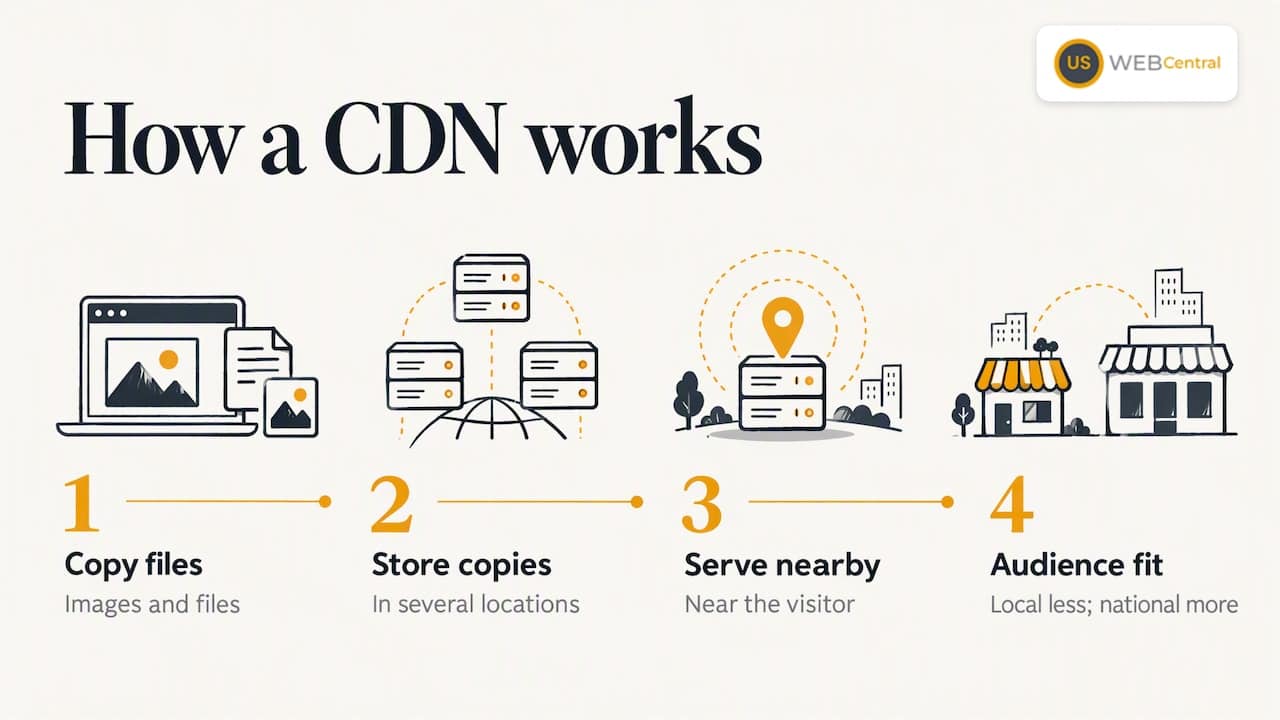
A CDN stores copies of your images and files in several locations so they load from a point near the visitor. For a local business with local customers it matters less than for a national brand, but it still helps with image-heavy pages.
Server location and resources
A server that is physically closer to your customers answers faster. Also ask whether your site shares resources with hundreds of others. Crowded servers slow down at exactly the times you most want speed.
Real test results, not promises
Run your own site, or a demo site, through a speed test. Google’s Core Web Vitals measure loading performance, interactivity and visual stability, and Google says they align with what its core ranking systems seek to reward. Hosting influences the first of these directly: a slow server response delays everything that follows.
We test this on every site we build. If you want to see where yours stands, our PageSpeed Insights optimization service explains what we measure and fix, and the free website audit shows your Google score next to your AI score.
Features that matter on a business hosting plan
When you compare plans, put these in order of importance for a business, not a hobby blog.
- Support you can reach. Find out whether support is chat, phone or tickets, the hours it covers, and whether the people answering know WordPress. This is the feature you will use at your worst moment.
- Backups and restore. Ask how often backups run, how long they are kept, and whether you can restore with one click or must file a request. Ask whether backups are stored away from the server itself.
- Security. Look for malware scanning, a web application firewall, and a clear policy on what happens if the site is infected: do they clean it or just notify you?
- Uptime commitment. A written uptime guarantee is better than a vague claim. Read what the remedy is when they miss it.
- Staging environment. Essential if you add features or change designs without risking the live site.
- SSL certificate. Encryption for your pages should be included, not an add-on.
- Traffic and storage limits. Some plans cap monthly visits. Make sure a busy season does not trigger overage charges or throttling.
- Ease of leaving. You should be able to export your site. A host that makes migration painful is telling you something.
How much does managed WordPress hosting cost?
Prices run across a wide range, and the headline number rarely tells the whole story. Entry prices are often introductory rates tied to a multi-year commitment, and the renewal price can be noticeably higher. Check the renewal rate before you pay.
The main things that move the price:
- Number of sites. One site costs less than a plan covering several.
- Monthly visits. Plans are usually tiered by traffic.
- Storage and resources. More memory and processing power cost more.
- Included extras. Staging, CDN, malware cleanup, daily backups and premium support are often what separates tiers.
- Billing term. Annual or multi-year terms typically lower the monthly figure.
- Support level. Faster response and phone support usually sit in higher plans.
For reference, our own SEO hosting is priced at $250 per year. It is built for business sites where speed and search performance matter, and you can see what it includes on our SEO web hosting page.
A useful way to budget: compare the annual hosting cost with what one new customer is worth to you. If a roofing job, a patient or a service contract is worth hundreds or thousands of dollars, a plan that keeps your site fast and online pays for itself with a single lead.
Can hosting help local SEO and lead generation?
Indirectly, yes, and the honest version matters. Hosting alone will not rank you in Sarasota or Port Charlotte. Google says that its systems aim to show the most relevant content, even when page experience is sub-par, and that a great page experience can contribute to Search success when there are many helpful results available.
That describes local service search well. In a crowded category like HVAC, plumbing, roofing or dental care, many businesses have relevant pages. When relevance is similar, a site that loads quickly and works on a phone gives you a better shot than one that frustrates visitors.
The lead-generation side is more immediate. A fast site keeps the person who tapped your listing from bouncing back to a competitor. That is why we connect hosting to the rest of the local visibility picture:
- A site structured so Google and AI tools can understand what you do and where you do it. See our approach to SEO friendly web design.
- A Google Business Profile whose categories, services and details match your website.
- Consistent business name, address and phone details across the web, which we cover in our citations and NAP work.
Fast hosting is the foundation. These pieces are what the foundation supports.
Our perspective
We have built more than 1,000 websites since 2005, and the pattern is consistent: owners spend weeks on a design and almost no time on where the site lives. Then the site is slow on a phone, a plugin update breaks the quote form, and nobody notices for days.
Our view is that hosting, site structure and local SEO should be planned together. A managed environment keeps the technical side healthy. A site built for Google and for AI citation tells search tools what you do and where you work. A Google Business Profile that matches the site confirms it.
That is why our Lumina package combines a custom WordPress site with a 12-month local SEO plan, and why we offer SEO hosting as its own service. One HVAC company we worked with reported nearly tripling its website visits after optimization. We do not promise that result to everyone, but we do build every site to give it the best chance.
You also work directly with the people implementing your site, not a ticket queue. For a contractor or a clinic that cannot afford downtime, that is what managed should mean.
Scott Carvin
Questions to ask any host before you sign
Bring this list to every sales call or chat. The answers tell you more than the feature page.
- What exactly do you update, and how do you test that an update did not break my site?
- How often are backups taken, where are they stored, and how quickly can I restore?
- If my site is hacked, do you clean it at no charge?
- What is the renewal price, and does it differ from the first-term price?
- Are there caps on visits, storage or plugins?
- Can I speak to a person, and when?
- If I leave, how do I take my site with me?
If an answer is vague, assume the service is too.
Working with a team that handles hosting and local SEO
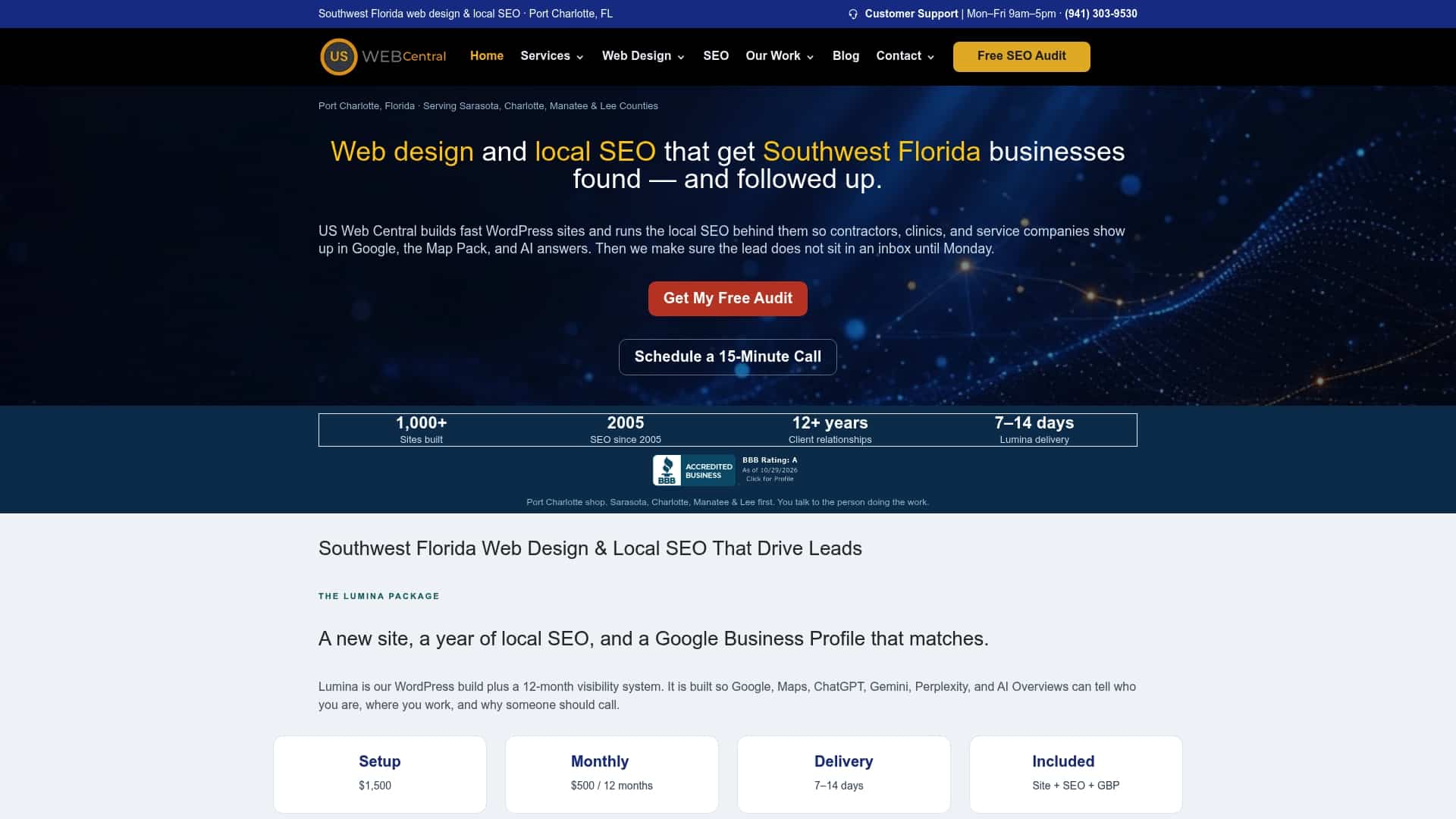
Many Southwest Florida owners we talk to do not want to manage a host, a designer and an SEO provider separately. Our Lumina package puts a custom website and a 12-month local SEO plan under one roof. The setup fee is $1,500 one-off, and monthly maintenance and SEO is $500 per month. SEO hosting is listed separately at $250 per year. You can see the current details on our Lumina pricing and availability page.
If you are not ready to change anything yet, start with an audit. We will show you how your site performs in Google and in AI answers, then you can decide. You can also read how local SEO services fit around the site, or check your visibility with our AI visibility audit. Request your free audit from US Web Central.
FAQ
What is the difference between web hosting and managed WordPress hosting?
Regular hosting gives you server space and leaves WordPress setup, updates, security and performance to you. Managed WordPress hosting is configured for WordPress and the provider handles much of that upkeep, including caching, backups and updates. It costs more, but it saves time and reduces the risk of avoidable downtime.
Is managed WordPress hosting worth it?
For a business that gets calls, bookings or quote requests from its site, usually yes. You pay for speed, security and support from people who know WordPress. If one lost lead costs you more than a year of hosting, the decision is straightforward.
How much does managed WordPress hosting cost?
Plans vary with traffic limits, number of sites, storage, support level and billing term. Watch for low introductory prices that rise on renewal. Our SEO hosting is $250 per year, and you can compare what a plan includes before you commit.
Does fast hosting help my Google rankings?
It helps indirectly. Google measures page experience through Core Web Vitals, and a fast server supports good scores. Relevance still comes first, so pair fast hosting with a site and Google Business Profile that clearly describe your services and service area.
Do I need managed hosting if I already have a WordPress site?
You can usually move an existing site. Ask the new host about migration, test the site on staging, and check that backups are working before you switch. If your site is slow, hacked often or breaks after updates, moving is worth considering.
Sources
Recommended
- Why Your Southwest Florida Business Needs WordPress Web Design + SEO in 2026 – And How US Web Central Delivers Real Results
- Why Your Southwest Florida Business Needs a Professional, AI-Powered WordPress Website in 2026
- Best Web Design Services in Southwest Florida 2026: AI-Powered WordPress Websites That Rank & Convert
- Web Design and SEO Services That Help Small Local Businesses Get Found